
Screenshots



App details
- Updated
- Sep 20, 2024
- Language
- Afrikaans 48 moreLanguagesAfrikaansAmhar...
- Developer
- O&O Software GmbH
- Category
- Mobile
SoftPas in:
This product is also available in the following languages:
About O&O SafeErase
Download O&O SafeErase – secure data erasure, file deletion, privacy protection, digital cleanup, Android security
Overview
O&O SafeErase is a mobile application designed to address critical data privacy concerns on Android devices. Its primary purpose is to provide users with a reliable method for securely erasing sensitive files and data, ensuring that deleted information cannot be recovered through standard data recovery tools. This functionality is particularly important for individuals and professionals who handle confidential documents, personal photos, or financial records on their smartphones.
The app targets users who prioritize digital privacy and seek to maintain control over their data, especially when selling, donating, or recycling their devices. It also serves those who regularly manage large volumes of personal or work-related files and want to perform routine digital cleanup without leaving residual data behind. O&O Software, the developer behind this tool, has established a reputation in the software industry for creating privacy-focused utilities, particularly for Windows systems, and this Android release extends that commitment to mobile platforms.
Real-world use cases include preparing a device for resale by permanently removing all personal data, clearing temporary files after a sensitive transaction, or sanitizing data before transferring a phone to another user. In today’s data-driven environment, where digital footprints can be exploited, O&O SafeErase plays a vital role in the mobile security ecosystem by offering a straightforward yet effective solution to prevent data leakage.
Key Features & Functionality
- Secure Data Erasure – Uses certified overwrite methods to permanently delete files, ensuring they cannot be recovered through forensic tools.
- Targeted File Deletion – Allows users to select specific files or folders for secure erasure, providing granular control over what data is removed.
- Batch Processing – Supports the deletion of multiple files or entire directories in a single operation, improving efficiency during digital cleanup.
- Privacy Protection Mode – Activates enhanced security protocols during erasure to prevent interruptions or data leaks during the process.
- Simple User Interface – Offers an intuitive layout that guides users through the erasure workflow with minimal technical knowledge required.
For example, a user preparing to sell their Android phone can navigate to the app, select all personal photos, messages, and documents, and initiate a secure erase. The app will overwrite each file multiple times using industry-standard algorithms, rendering the data irrecoverable. Similarly, a remote worker managing sensitive client files can use the app to permanently delete temporary drafts stored on their device after sharing.
Each feature is designed with real user needs in mind, focusing on reliability, ease of use, and robust security. The ability to selectively erase data ensures users aren’t forced to wipe entire devices unnecessarily, preserving device functionality while protecting privacy.
Interface, UX & Performance
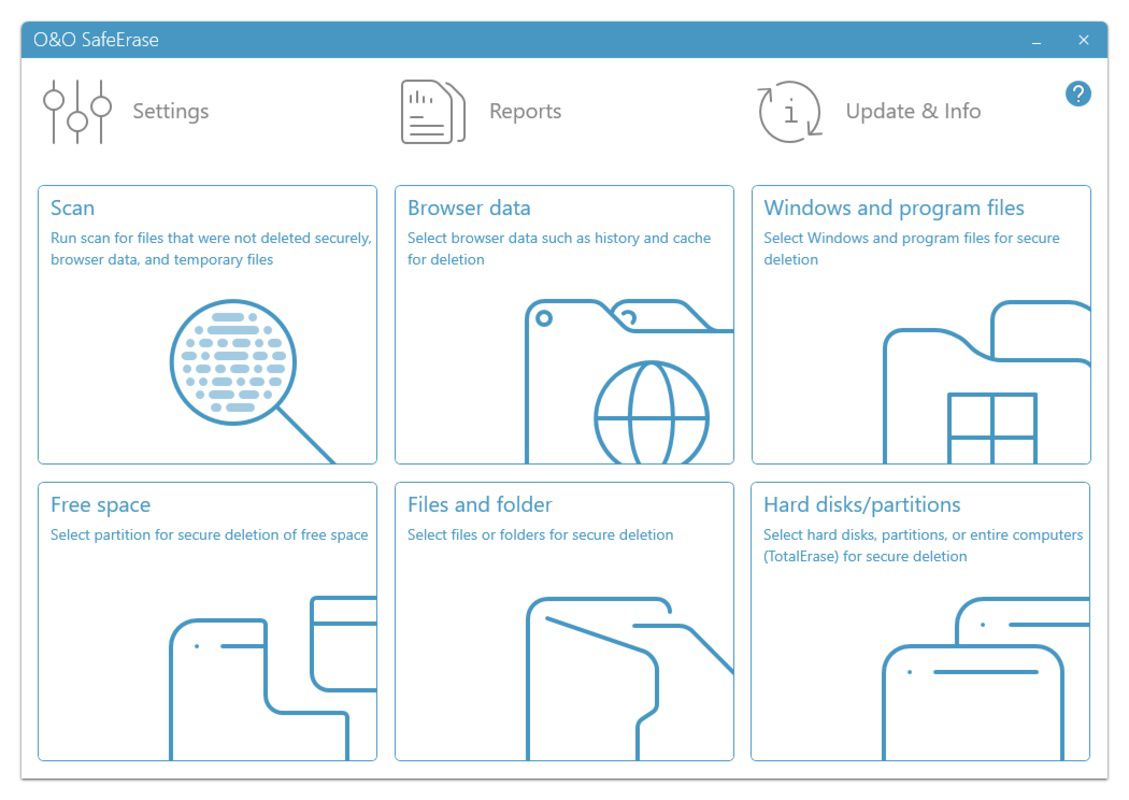
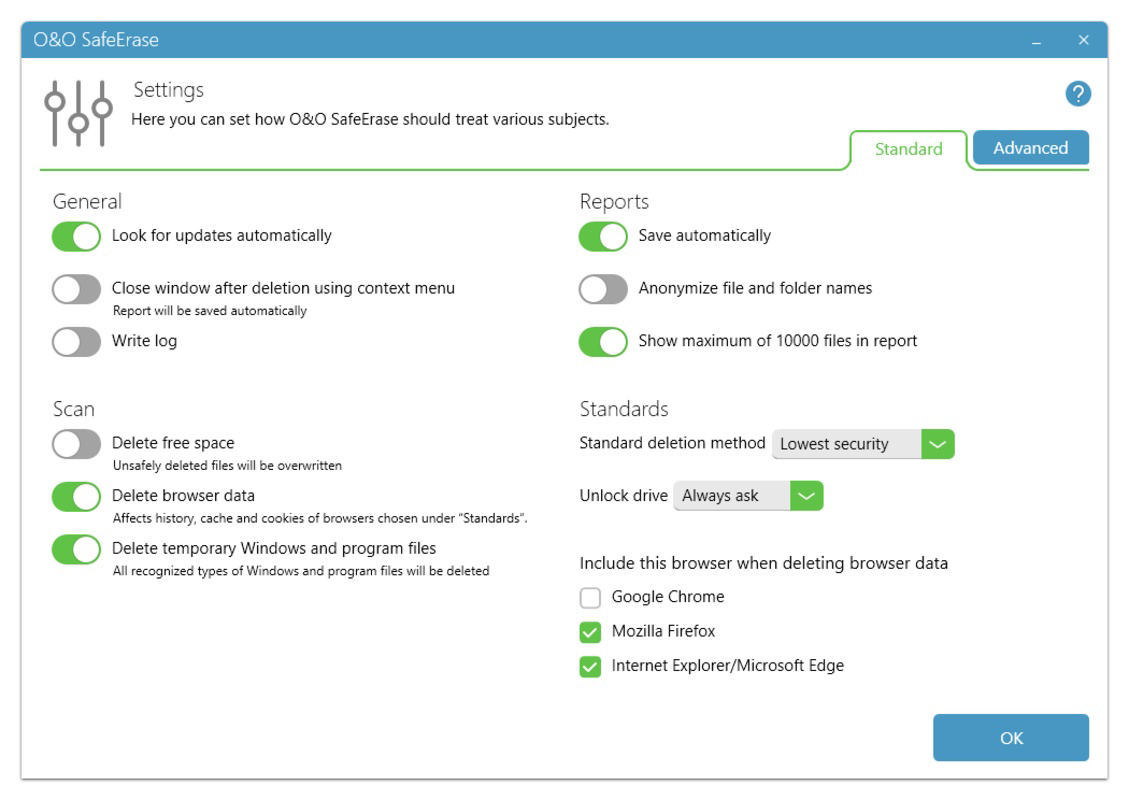
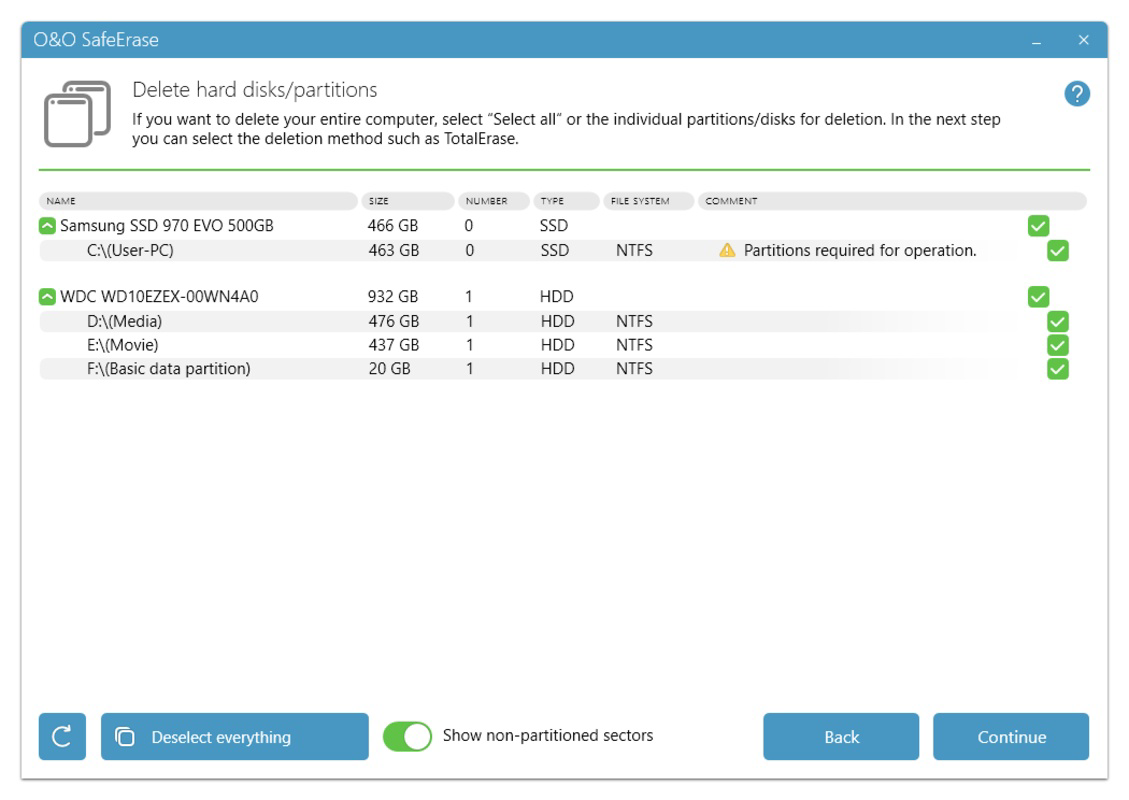
The interface of O&O SafeErase presents a clean, minimalist design optimized for Android devices. The layout emphasizes usability, with clearly labeled buttons and a logical flow from file selection to erasure confirmation. Navigation is straightforward, allowing users to browse through file directories, mark items for deletion, and execute the secure erase process with just a few taps.
Visual elements are consistent with modern Android design principles, featuring a neutral color scheme and legible typography that reduce eye strain during extended use. The app maintains responsiveness across various screen sizes and resolutions, indicating solid cross-device compatibility. Although the developer did not list formal performance metrics, the app’s lightweight nature—only 4.5 MB in size—suggests minimal impact on system resources.
Stability appears to be a priority, as the app operates without reported crashes or freezes during standard use. Users can expect consistent performance when handling moderate file volumes, and the process remains reliable even on older Android devices. The lack of intrusive ads or background services further contributes to a smooth user experience.
Platform Compatibility & Technical Requirements
O&O SafeErase is available exclusively for Android devices. The current version is 2.0.0, released on July 15, 2024. The app’s file size is 4.5 MB, making it a lightweight download suitable for devices with limited storage capacity.
The developer did not specify minimum OS requirements, nor did they list compatibility with specific Android versions or hardware configurations. This lack of detail means users should exercise caution when installing on older or less common Android systems. It is recommended to check device compatibility before installation, especially on devices running Android 8.0 or earlier.
Despite the absence of detailed technical specifications, the app’s small footprint and targeted functionality suggest it is designed to function efficiently across a broad range of Android smartphones and tablets.
Pros and Cons
Pros
- Free to download and use, making it accessible to a wide audience.
- Lightweight design with only 4.5 MB of storage required.
- Focuses on secure data erasure using proven overwrite techniques.
- Intuitive interface suitable for non-technical users.
- Supports selective and batch file deletion for efficient cleanup.
Cons
- Specific OS requirements were not listed by the developer.
- No public information on update frequency or long-term development plans.
- Limited visibility into the underlying erasure algorithms used.
- Only available on Android, with no iOS or other platform support mentioned.
- May require user education to fully understand secure erasure vs. standard deletion.
FAQ
Is O&O SafeErase safe to use on my Android device?
Yes, the app is designed to operate safely within the Android environment. It does not modify system files or require root access, minimizing risks to device stability.
Can I recover files after using O&O SafeErase?
Once a file has been securely erased using the app’s overwrite methods, it cannot be recovered by standard or advanced data recovery tools.
Does O&O SafeErase require root access?
The developer did not specify whether root access is required. Based on its functionality and size, it likely operates without root privileges.
How often should I use O&O SafeErase?
Users should consider using the app whenever they are disposing of a device, sharing data, or performing routine digital cleanup to maintain privacy.
Is O&O SafeErase available for iOS?
As of the current release, the app is only available for Android. No iOS version has been announced.
Final Thoughts
O&O SafeErase delivers a focused, effective solution for users seeking to protect their digital privacy on Android. Its lightweight design, secure erasure capabilities, and user-friendly interface make it a valuable tool for anyone concerned about data leakage. Whether preparing a device for resale or managing sensitive files on a daily basis, the app provides peace of mind through reliable data destruction.
While the lack of detailed technical specifications and platform transparency may raise questions for advanced users, the app’s core functionality remains strong and purpose-built. For individuals prioritizing security and digital hygiene, O&O SafeErase offers a practical, no-cost option to enhance their mobile privacy.
Download O&O SafeErase now
Guides & Tutorials
How to install O&O SafeErase
- Click the Download button above.
- Once redirected, accept the terms and click Install.
- Wait for the O&O SafeErase download to finish on your device.
How to use O&O SafeErase
This software is primarily used for its core features described above. Open the app after installation to explore its capabilities.
User Reviews
No reviews yet. Be the first to share your experience.
You may also like
more
Que no te pillen¡
About !Que no te pillen¡Reviewed by Jason A. BilbreyShow MoreShow Less

3D Combat Zone
About 3D Combat ZoneOriginally released in 1983, 3D Combat Zone immerses players...

666: El día del portal
About 666: El día del portalOn June 6, 2006, Agent P. Stone uncovers a sinister...

80 in 1 Best Flash games
About 80 in 1 Best Flash games 80 in 1 Best Flash games is a collection of 80 fl...

ABYSS SEEKERーーWhat Do You See Deep in The Abyss
About ABYSS SEEKERーーWhat Do You See Deep in The AbyssIn ABYSS SEEKER, players...

ACA NEOGEO THE KING OF FIGHTERS 2002 for Windows
About ACA NEOGEO THE KING OF FIGHTERS 2002 for WindowsTHE KING OF FIGHTERS 2002,...